
A course by Joey Banks
There’s a moment when Figma really clicks.
When components start behaving the way you expect. When auto layout stops feeling unpredictable. When your files start to feel clean, structured, and scalable.
Most designers don’t reach that moment on purpose. It usually happens slowly over time.
This course is designed to help you get there intentionally, and much sooner.
We’ll dig into the fundamentals, look at how systems are actually built, and develop the kind of understanding that makes working in Figma feel exciting again.
Seeing that moment happen for designers is one of my favorite things about teaching.
– Joey
Who is this course for?
Level Up with Figma is for designers who want to feel confident using Figma in real product work, not just know where all the buttons are.
Whether you’re newer to Figma, moving over from another design tool, or you’ve been using it for years but feel like there are gaps in how you work, this course is designed to help you build a stronger foundation.
What's included
Level Up with Figma is a course designed to help designers feel confident using Figma in real product work.
30
pre-recorded lessons
8+
hours of video
28
Figma files included
3K+
designers have taken the course
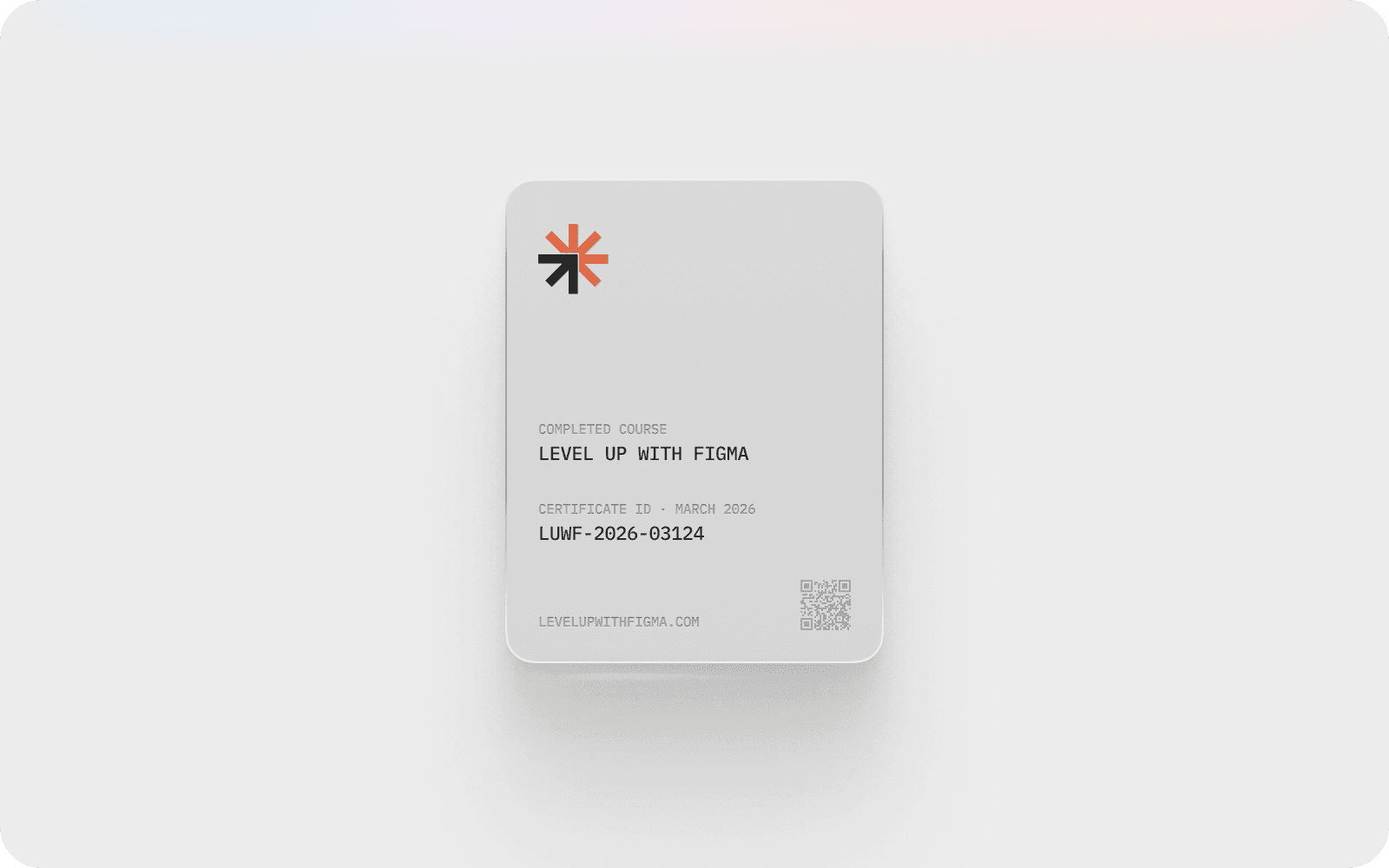
Earn a sharable certification when you complete the course
When you complete the course, you’ll receive a digital certification card you can share on LinkedIn or include in your portfolio.
What you'll learn
Course syllabus
01
Hello & Welcome
02
Teams, Projects, Files, & Pages
03
Interface Elements & Navigation
04
FigJam, Sites, Slides, & Buzz
05
Collaboration & Community
06
Vectors & Exploring Figma Draw
07
Frames vs. Groups & Sections
08
Building with Constraints
09
Editing with Multi-edit
10
Auto Layout: An Introduction
11
Building with Auto Layout & Grid
12
An Introduction to Components
13
Creating Variants & Properties
15
An Introduction to Variables
16
Creating Variables & Modes
17
Variables vs. Styles
18
Collaborating with Dev Mode
19
Fast Assets with Figma Buzz
20
Using AI in FIgma Workflows
21
An Introduction to Prototyping
22
Interactive Components
23
Using Variables to Prototype
24
Prototyping with Figma Make
25
Using Figma's MCP Server
26
Figma Console MCP
4.8 / 5 (350+)






I created this course to help designers feel confident in Figma.
Whether you’re just starting out or looking to refine your skills, this course focuses on the foundations that make Figma finally click.

Common questions
Is the course beginner-friendly?
Yes! Beginners can start from the fundamentals, while more experienced designers use the course to sharpen workflows and deepen their understanding of Figma.
How long do I have access to the course?
You’ll have ongoing access to the full course, so you can come back to lessons whenever they’re useful. Many people return to the material as their projects, teams, or systems evolve.
What's the format of the course?
Level Up with Figma is made up of short, focused lessons you can complete at your own pace. The course starts with the fundamentals and gradually builds toward more advanced workflows, so each lesson builds on the last and helps you feel confident using Figma in real work.
Are team discounts available?
Yes! I offer 20% off for teams. Send an email to hello@baselinedesign.com to learn more.
How much time does the course take?
The course is designed to fit into a busy schedule. Lessons are short and focused, and most people move through the material in small chunks over a few weeks, revisiting lessons as needed.
What's the refund policy?
The course includes a 30-day money-back guarantee. If it’s not the right fit for you, you can request a full refund within 30 days of purchase.

© 2026 Baseline Design, LLC
Teaching from Columbus, OH